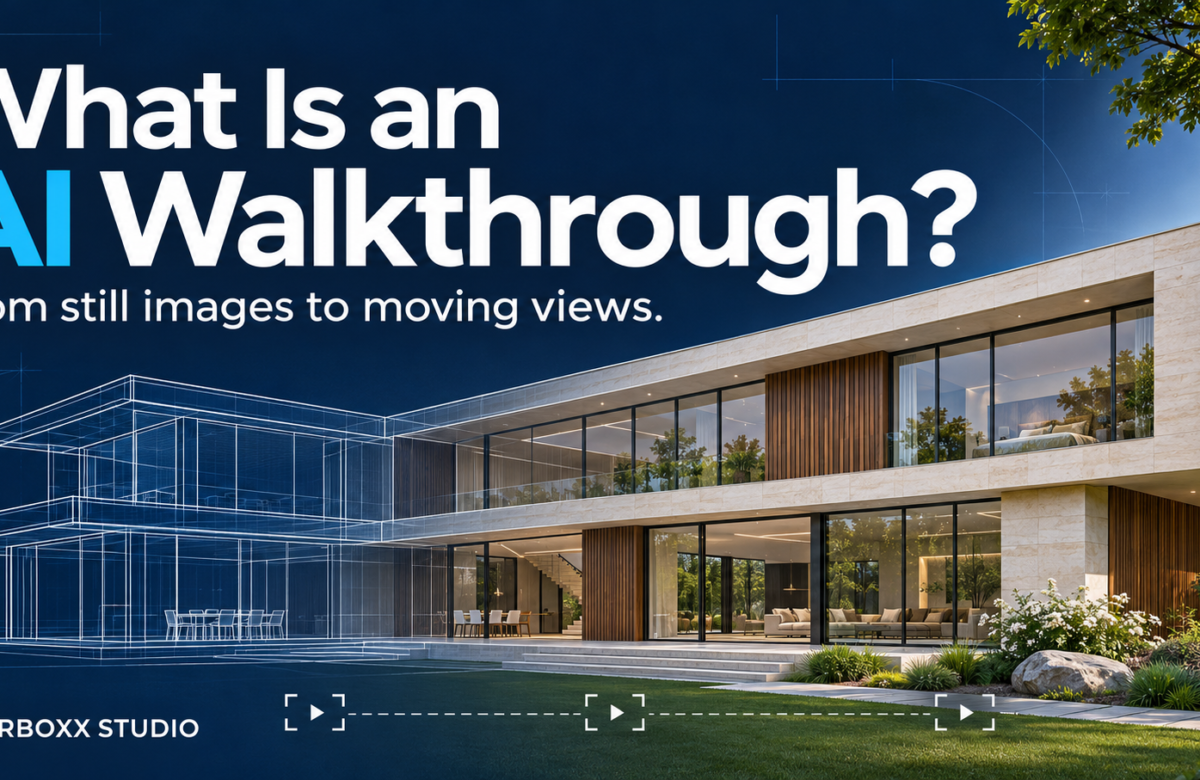
AI Architectural Walkthrough: What It Is and How It Works
A client can like your design and still struggle to picture the space. They can see the furniture and finishes in a render. However, they may need more help imagining the view as they enter the room.
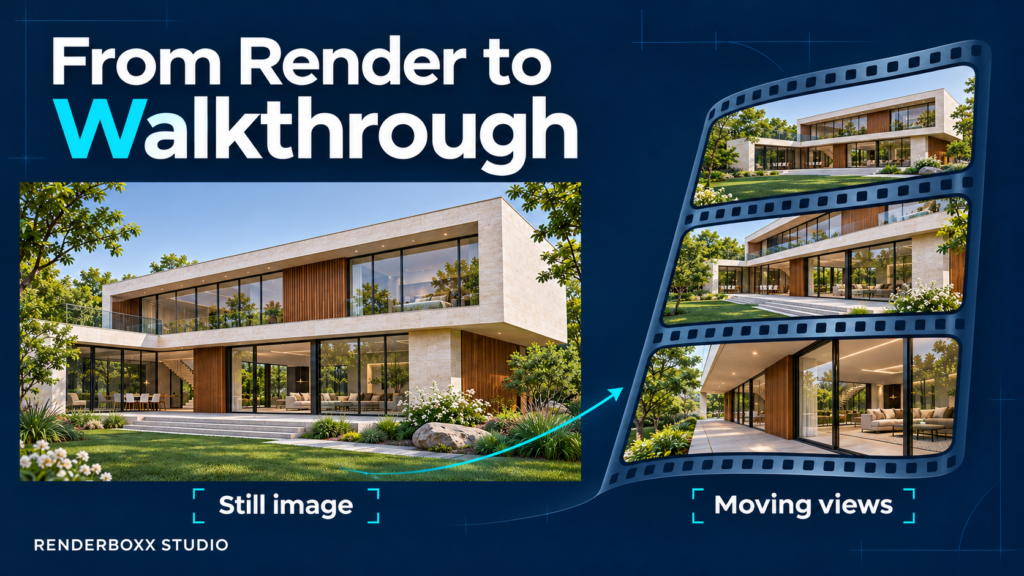
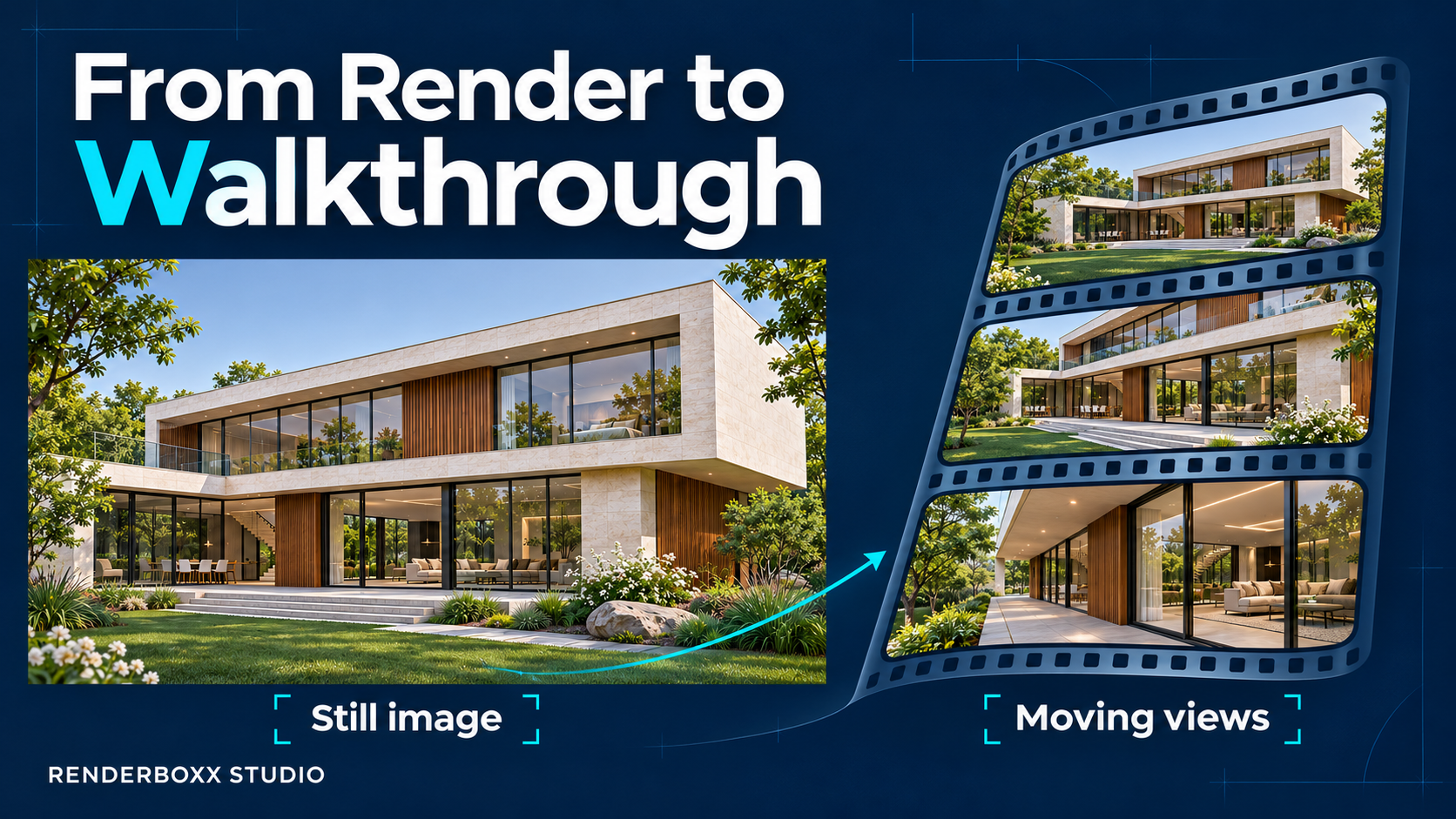
An AI architectural walkthrough adds movement to architectural images. It helps you present a building or interior through a series of moving views.
At Renderboxx Studio, we create AI renders and walkthrough videos for architectural and interior projects. Here is how the process works and what to consider for your next presentation.
What Is an AI Architectural Walkthrough?
An AI architectural walkthrough uses artificial intelligence to create or animate views of a building or interior.
The process can start with a 3D render, a photograph, or an AI-generated image. AI video tools then add movement, such as a slow approach towards an entrance or a view across a living room.
Next, an editor brings the clips together to create a video.
Most AI walkthroughs follow a fixed sequence. Viewers watch the camera moves that the creator chooses. In contrast, an interactive virtual tour lets viewers choose where to look or move.
How Do You Create an AI Walkthrough?
Start with a Clear Brief
First, decide what the video needs to show.
An interior designer might want to focus on a room’s materials and lighting. A developer, meanwhile, might need exterior views that introduce the whole building.
Also, consider where you will share the video. A client presentation and a short social media reel serve different purposes.
A clear brief helps you choose the right images, camera movements, and video length.
Prepare the Starting Images
Next, check the images before adding movement.
Do the materials match the design? Does the furniture look right? Do different views show the same finishes?
For example, two images of the same living room should show matching sofa fabrics and wall colours. Otherwise, the final video may feel inconsistent.
Strong starting images give the animation a better foundation.
Add Camera Movement
Once the images are ready, use AI video tools to create moving shots.
A slow forward move can introduce an entrance. A sideways move can show a seating area. Meanwhile, a closer view can draw attention to a material or design detail.
Choose each movement for a reason. A simple, steady shot often gives viewers more time to understand the space.
Review Each Clip
AI can change details while creating movement. For example, a window frame might shift, or a chair might change shape.
Therefore, review each clip carefully. Pause at different points and compare the details with the starting image.
Some shots may need another attempt. Others may work better with a smaller camera move.
Edit the Final Video
Finally, arrange the selected clips in a clear order. Adjust the pacing and colour so the shots feel connected.
You can also add music, short titles, and branding. Keep these additions simple so viewers can focus on the project.
Where Can You Use AI Walkthroughs?
Interior Design Presentations
An AI interior walkthrough can help clients picture a proposed room.
For example, a moving view can show the seating area, ceiling, and material choices in sequence. Use it alongside drawings and samples to explain the design more fully.
Architectural Portfolios
Architects can use walkthroughs to introduce a building and highlight selected features.
Wide shots show the overall form. Closer views, meanwhile, give details more attention. Together, they add variety to a project presentation.
Real Estate Marketing
Developers can include walkthroughs on project websites, in presentations, and across social media.
However, the visuals should match the approved project information. Clearly identify proposed designs and AI-generated scenes so viewers understand what they are seeing.
Hotels, Restaurants, and Offices
A walkthrough can communicate the intended atmosphere of a commercial space.
For instance, a hotel presentation might move from the entrance to the lobby. A restaurant video might focus on the seating, lighting, and finishes.
Social Media Content
Short clips can introduce a project or highlight one area.
Instead of fitting every view into one reel, give each clip a clear focus. You can then use different scenes for separate posts.
What Makes an AI Walkthrough Look Realistic?
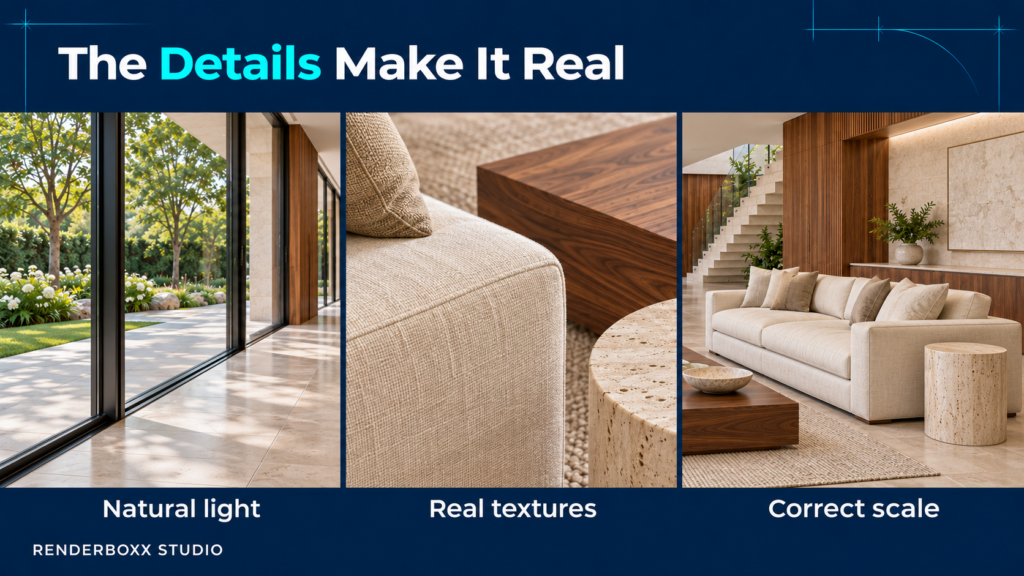
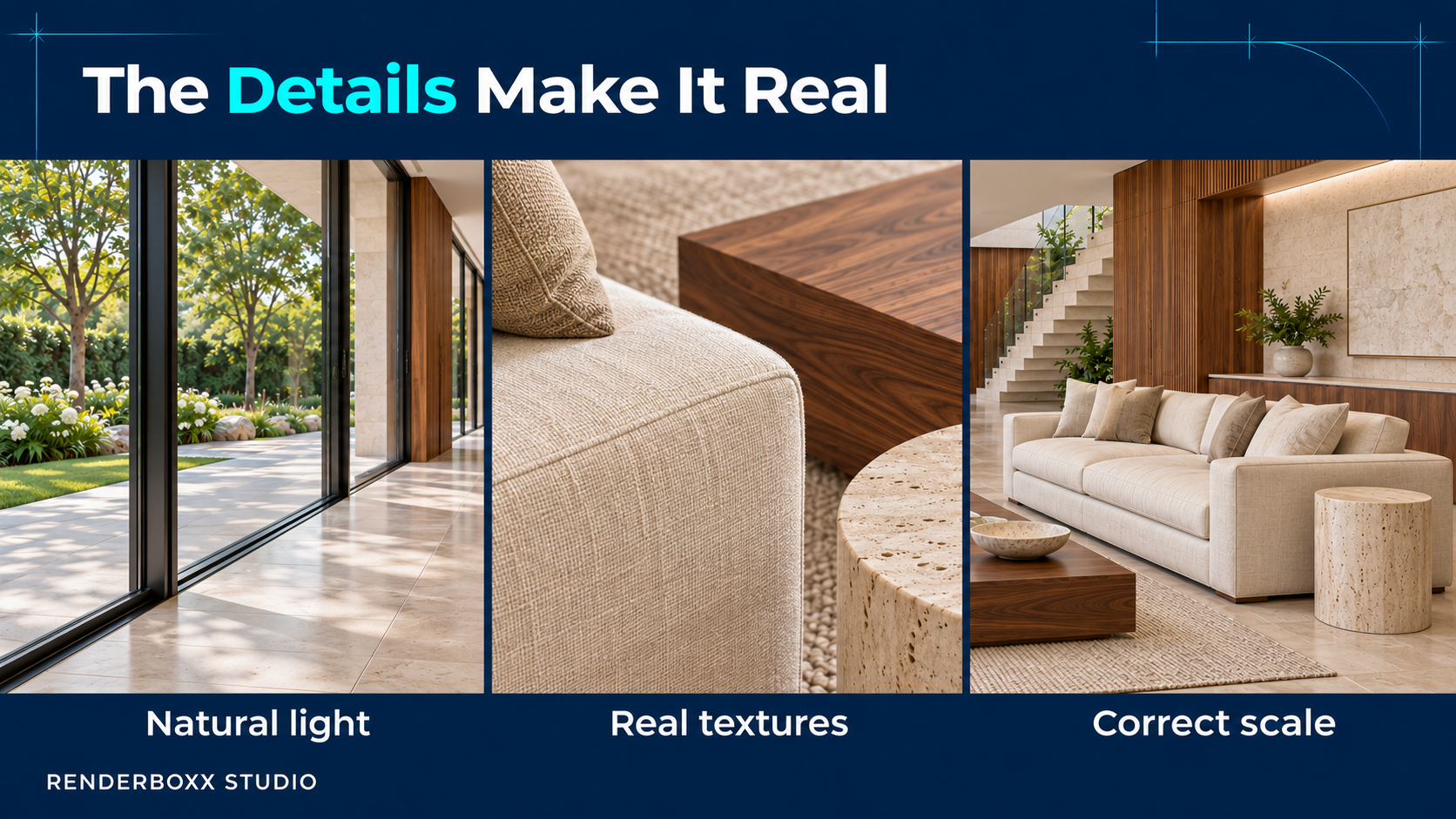
Small details make a big difference.
First, check the lighting. Viewers should see the materials clearly without bright highlights hiding their textures.
Next, look at the surfaces. Wood should retain its grain, fabric should show texture, and stone patterns should stay consistent during movement.
Also, check proportions. Oversized people or unusually small furniture can make the whole scene feel wrong.
Finally, compare related shots. If two scenes show the same room, the furniture, finishes, and lighting should match.
AI Walkthrough vs Traditional 3D Walkthrough
A traditional 3D walkthrough uses a modelled scene. The creator sets up the building, materials, furniture, and camera path within that scene.
An image-based AI walkthrough generates movement from visual references. However, it may invent details that the original image does not show.
For example, a 3D model can contain the area behind a sofa. An AI tool working from one image may need to generate that hidden area.
The right approach depends on the project. Traditional 3D offers more control over geometry and camera paths. AI can help develop short moving sequences from existing images.
You can also combine both methods by using 3D renders as the starting point for AI video.
What Should You Share Before Starting?
Prepare the references you already have:
- Existing renders or photographs.
- Floor plans and elevations.
- Material and lighting references.
- Areas you want to show.
- Details that must stay unchanged.
- Your preferred video length and format.
Also, explain the purpose of the video. This helps the team understand how much detail and accuracy the presentation needs.
Can an AI Walkthrough Replace Technical Drawings?
An AI walkthrough helps people picture a design. However, it does not confirm dimensions or construction details.
Architects and project teams still need drawings and specifications to guide the work. They should also check any AI-generated details before treating them as part of the final design.
Create Your AI Walkthrough with Renderboxx Studio
At Renderboxx Studio, we create AI renders and walkthrough videos for architectural and interior projects.
If you already have renders, share them with us to discuss a video. If you are starting with a concept, we can discuss the visuals you need first.
Want clients to picture your project more clearly? Share your references and walkthrough requirements with Renderboxx Studio.